 Scan60
Scan any code.
Know before you open it.
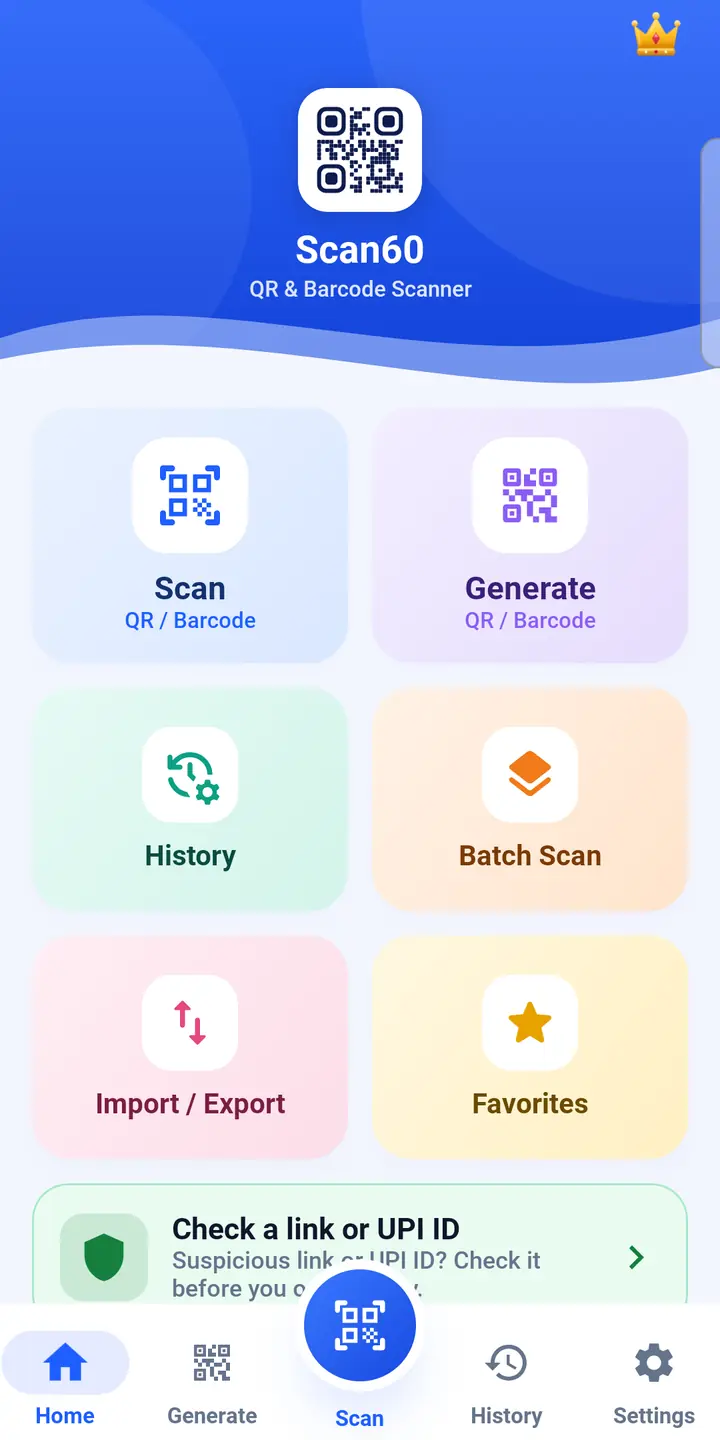
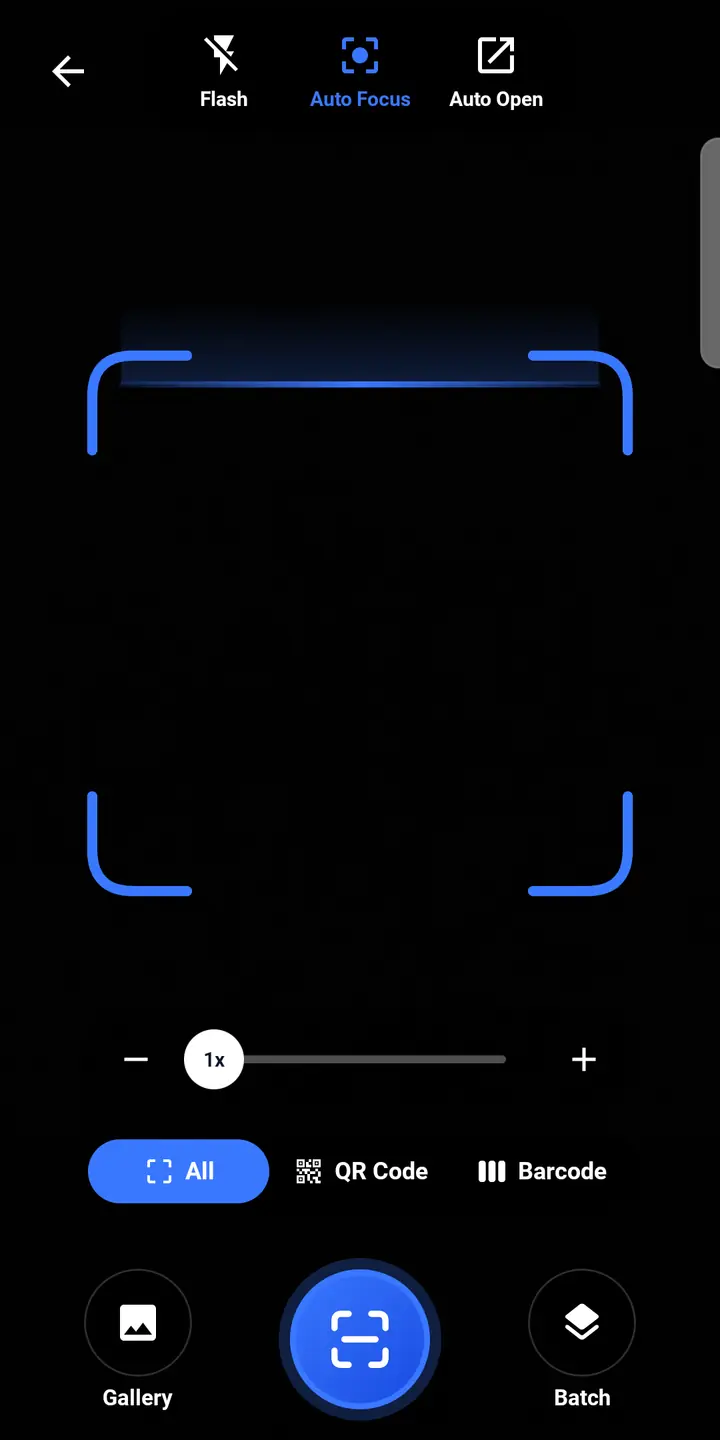
Scan60 reads QR codes and barcodes in a blink, from the camera or a photo, and shows a short note on anything unusual about a link before you tap it. It also makes QR codes for links, Wi-Fi, contacts and UPI.
Everything you need from a scanner, nothing you don't.
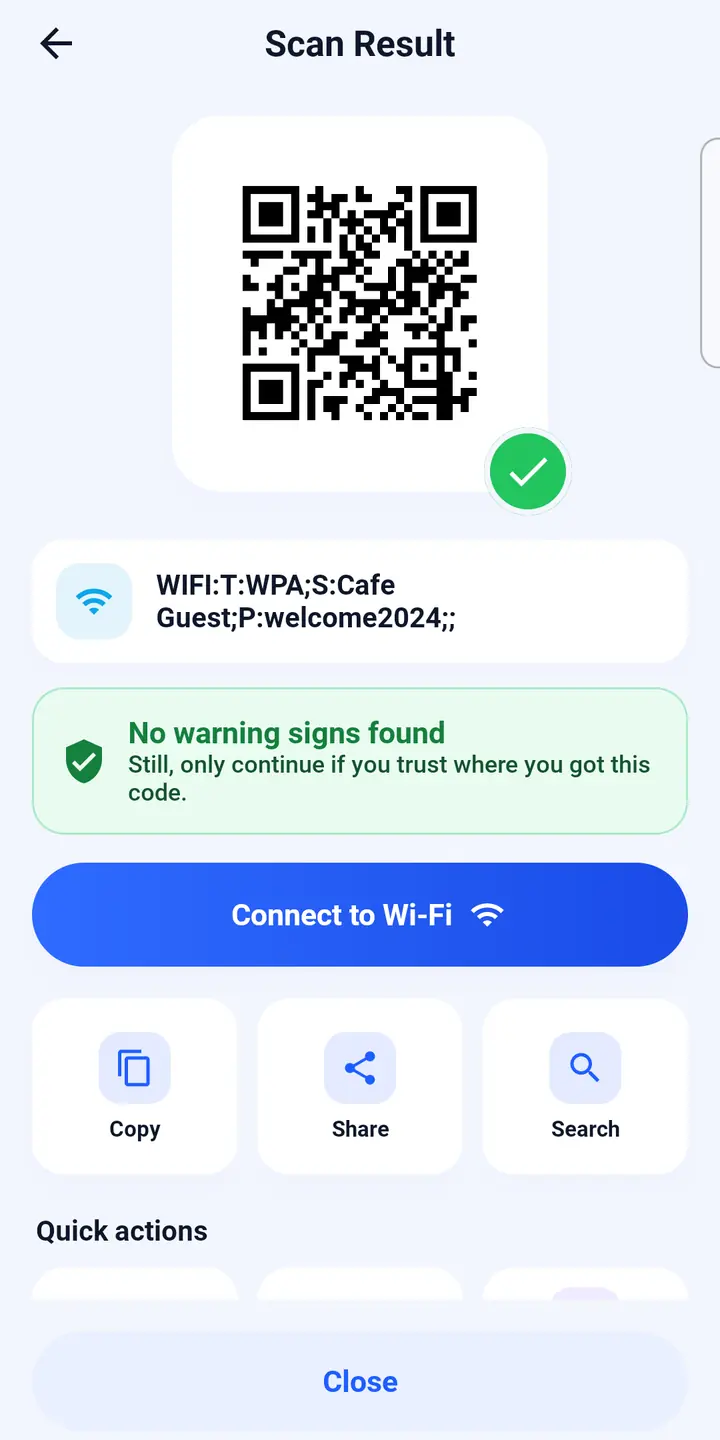
Open the app and point. Scan60 figures out what the code is and gives you the right button: join the Wi-Fi, save the contact, pay with UPI, open the link.
Fast scanning
QR codes and every common barcode, from the camera or any photo in your gallery. Share an image to Scan60 to read the code in it.
A note before you tap
Each scan shows a short note on anything unusual about a link, short link or payment request, so you can decide before opening it.
Make your own QR codes
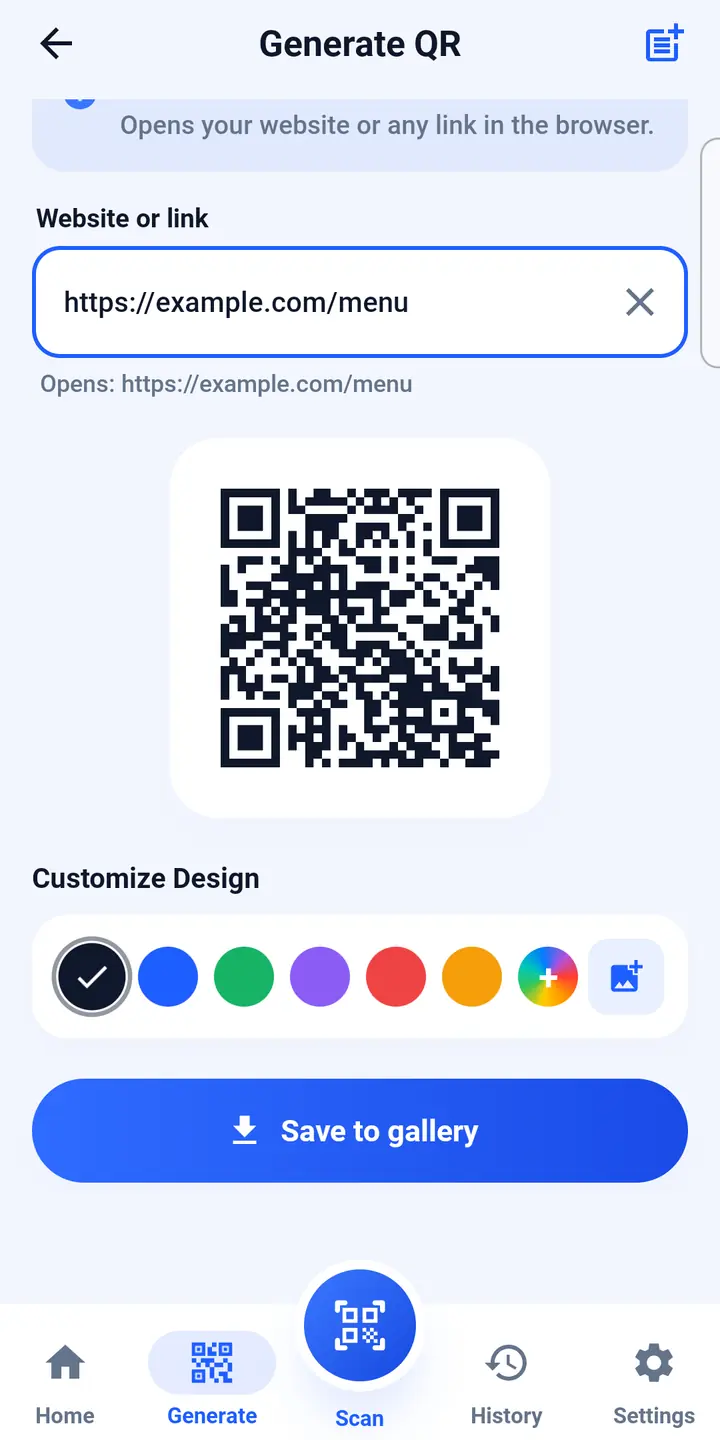
Links, text, Wi-Fi, contacts, WhatsApp, UPI, locations and social profiles. Pick colours, then save or share.
Batch scan and bulk create
Scan a whole box of codes in one go. Create many codes from a list or CSV file, and print them as a PDF sheet.
Private history
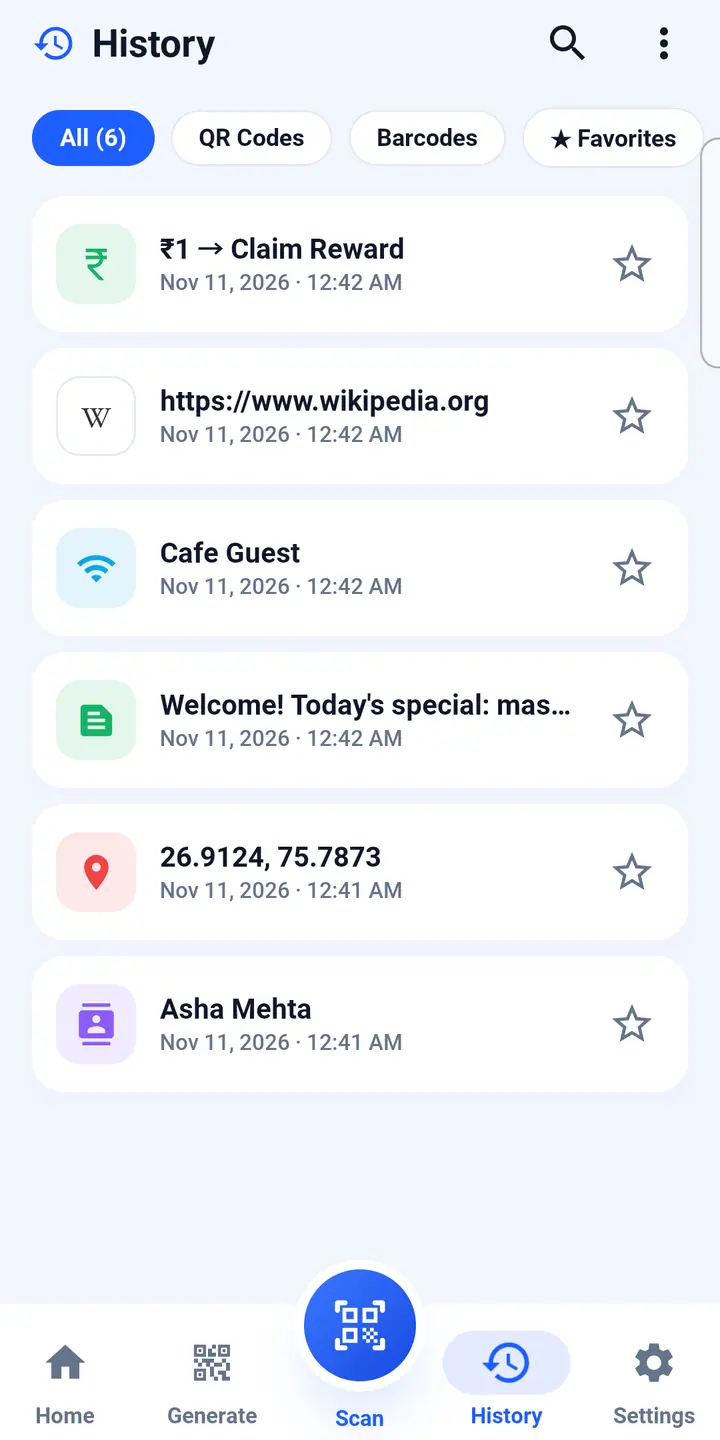
History, favourites, notes and tags live on your phone. Lock them with your fingerprint or screen lock if you like.
In your language
English, Hindi, Bengali, Tamil, Telugu, Marathi, Gujarati, Kannada, Malayalam, Punjabi, Urdu and 10 more.
Your scans stay yours.
No account, no sign-up. The camera is only used to scan, and camera images never leave your phone.
- Scan history, notes and the codes you make are stored only on your phone.
- Link checks send a one-way hash, not the link itself.
- We don't sell your information. Read exactly what is sent, and to whom, in the privacy policy.
Questions people ask
Is Scan60 free?
Yes. Every scanning feature is free, with ads. The optional Premium pass removes ads and unlocks extra creation tools for one year.
Does the Premium pass renew automatically?
No. It is a prepaid one-year pass. When the year is up, the app simply goes back to the free version. You can buy another year if you want.
I reinstalled the app. How do I get Premium back?
Open Premium in the app and tap Restore purchase, using the same Google account you bought it with.
Is the note about a link a guarantee it's safe?
No. It is general guidance based on simple rules and reports from other users, and it can be wrong. Only open links and make payments you trust.
Does Scan60 work offline?
Scanning, creating codes and your history all work offline. Link notes from other users' reports, product details and ads need a connection.
How do I contact you?
Email [email protected] or use Settings › Share & Support › Contact us in the app. We usually reply within a day.